need help in ilab for kim woods
A. Lab # : BSBA BIS245A-2
B. Lab 2 of 7 : Skills Development in Visio; Creation of MS Access Database
C. Lab Overview—Scenario / Summary
TCOs:
Given a business situation in which managers require information from a database, determine, analyze, and classify that information so that reports can be designed to meet the requirements.
Given a situation containing entities, business rules, and data requirements, create the conceptual model of the database using a database modeling tool.
Given an existing relational database schema, evaluate and alter the database design for efficiency.
Given an existing database structure demonstrating efficiency and integrity, design the physical tables.
Scenario:
You have been asked to create a conceptual database model using MS Visio Database Model Diagram Template. The purpose of this lab is to have you gain experience with the various modeling tools needed to create a conceptual model (entity relationship diagram) of a database. You will then modify the model for implementation as a MS Access database. You will create and modify one conceptual model.
You will then create a MS Access database based on the model developed in Visio, creating the necessary tables and relationships.
Upon completing this lab, you will be able to
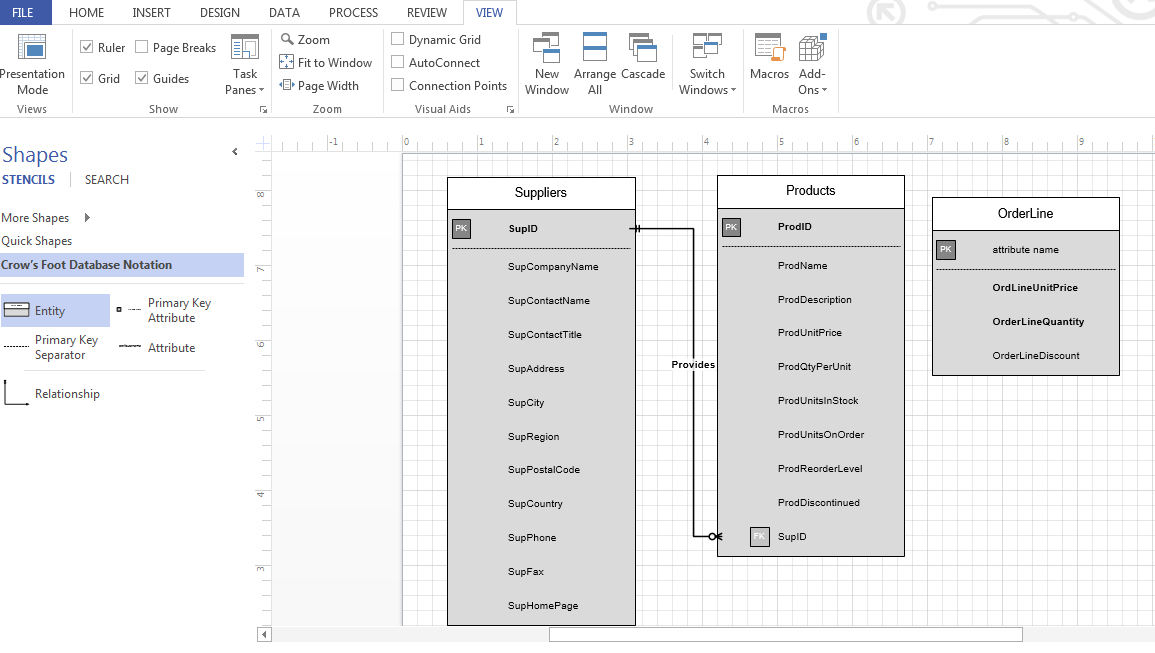
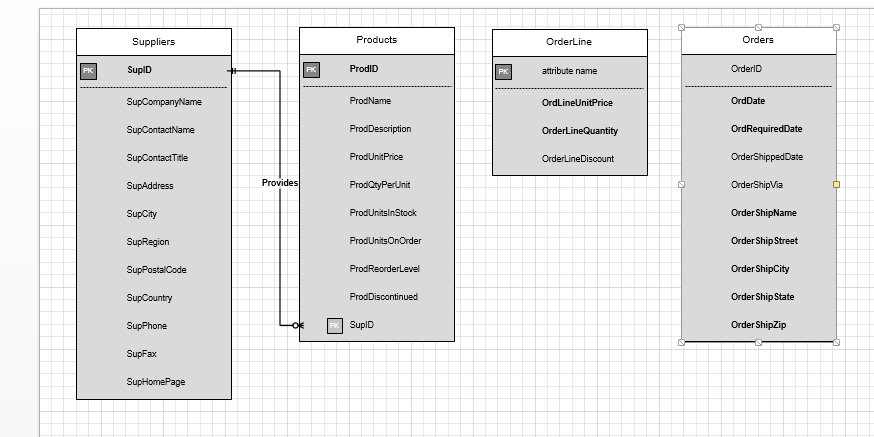
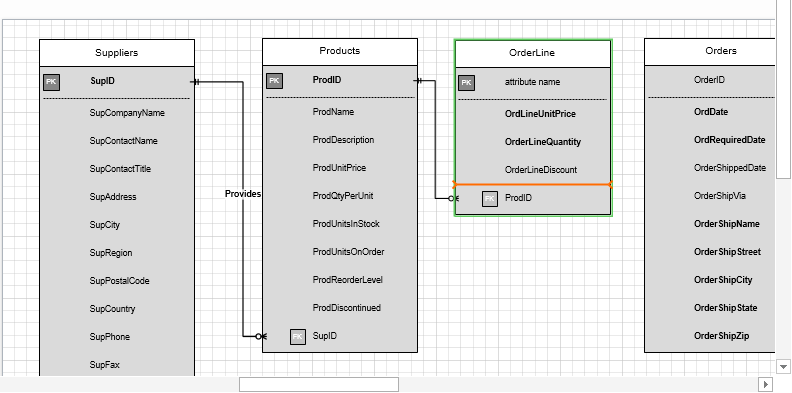
relying on detailed instructions, add two entities to the existing conceptual model (ERD), including attribute data types and required field lengths;
create a new MS Access database file;
using the model from Parts A of the lab, and relying on detailed instructions; create the first two tables in the database;
use the experience gained in creating the first two tables to add the remaining tables;
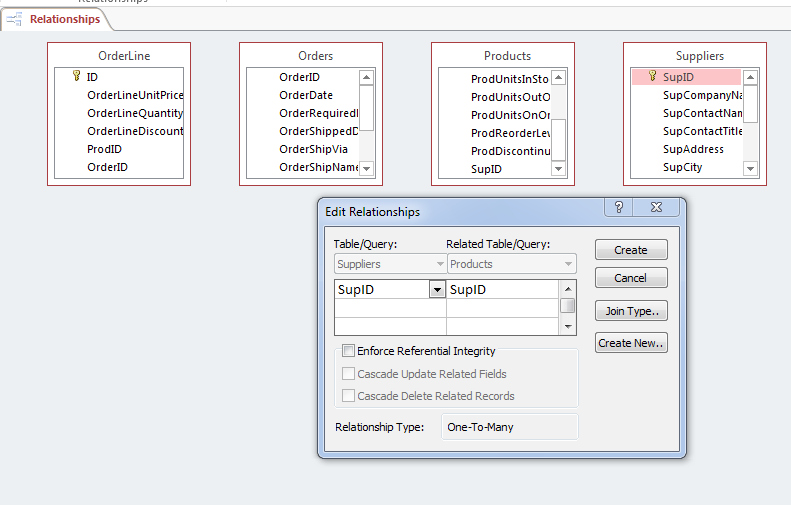
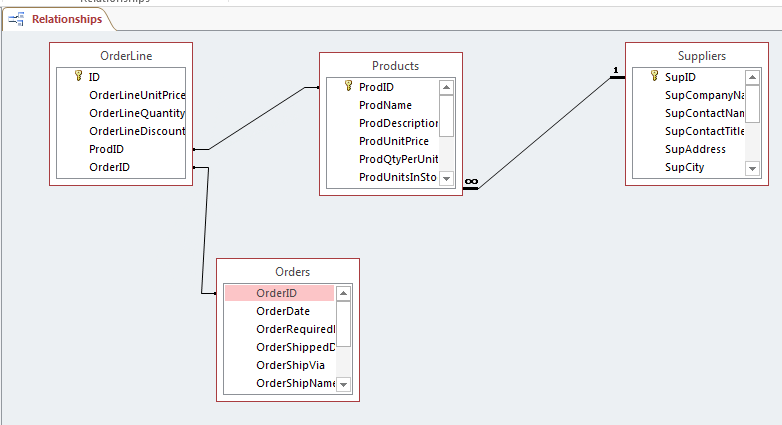
using the model from Part A of the lab, and relying on detailed instructions; create the relationship between the first two tables in the database; and
use the experience gained in creating the first relationship to create the remaining relationships between the tables.
D. Deliverables
| Section | Deliverable | Points |
| Part A | YourNameLab2.vsdx (Visio Diagram) | |
| Part B | YourNameLab2.accdb (Access Database) |
E. Lab Steps
Preparation
Get the Visio diagram
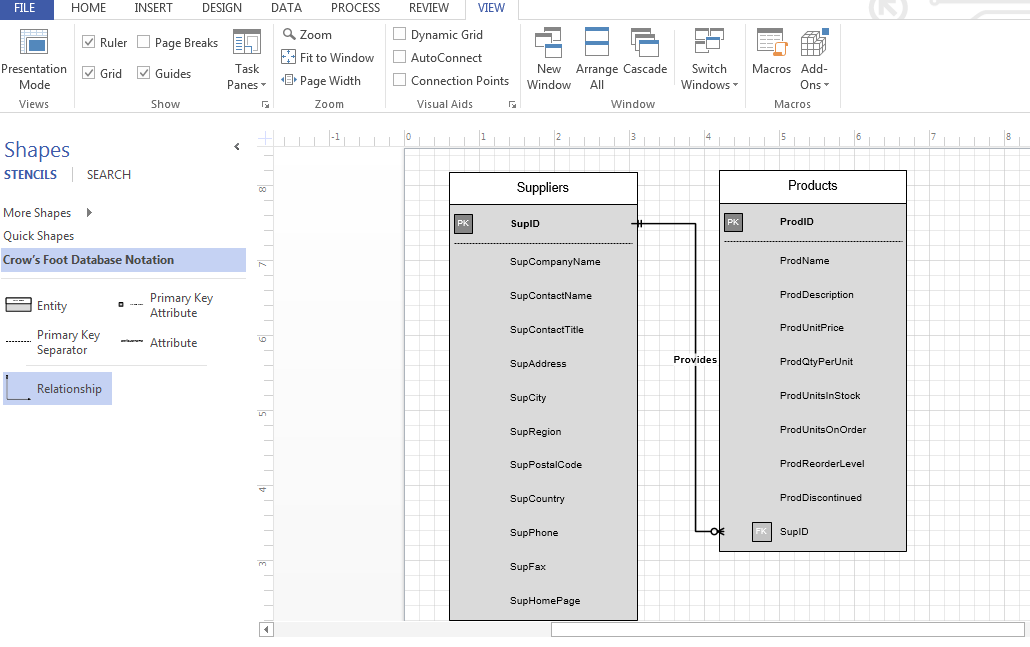
Download Lab2_StarterFile.vsdx file from your course iLab page, and Save the file to your local drive.
Using Citrix for MS Visio and/or MS Access
If you are using the Citrix remote lab, follow the login instructions located in the iLab area in Course Home.
You will have to upload the Lab2.vsdx file to your Citrix drive, or allow Citrix access to your system. Follow the instructions for uploading files to Citrix, located in the iLab area in Course Home.
Lab:
| Part A: Create a Visio ERD with an Associative Entity |
| Step 1: Open the Lab2.vsdx file |
|
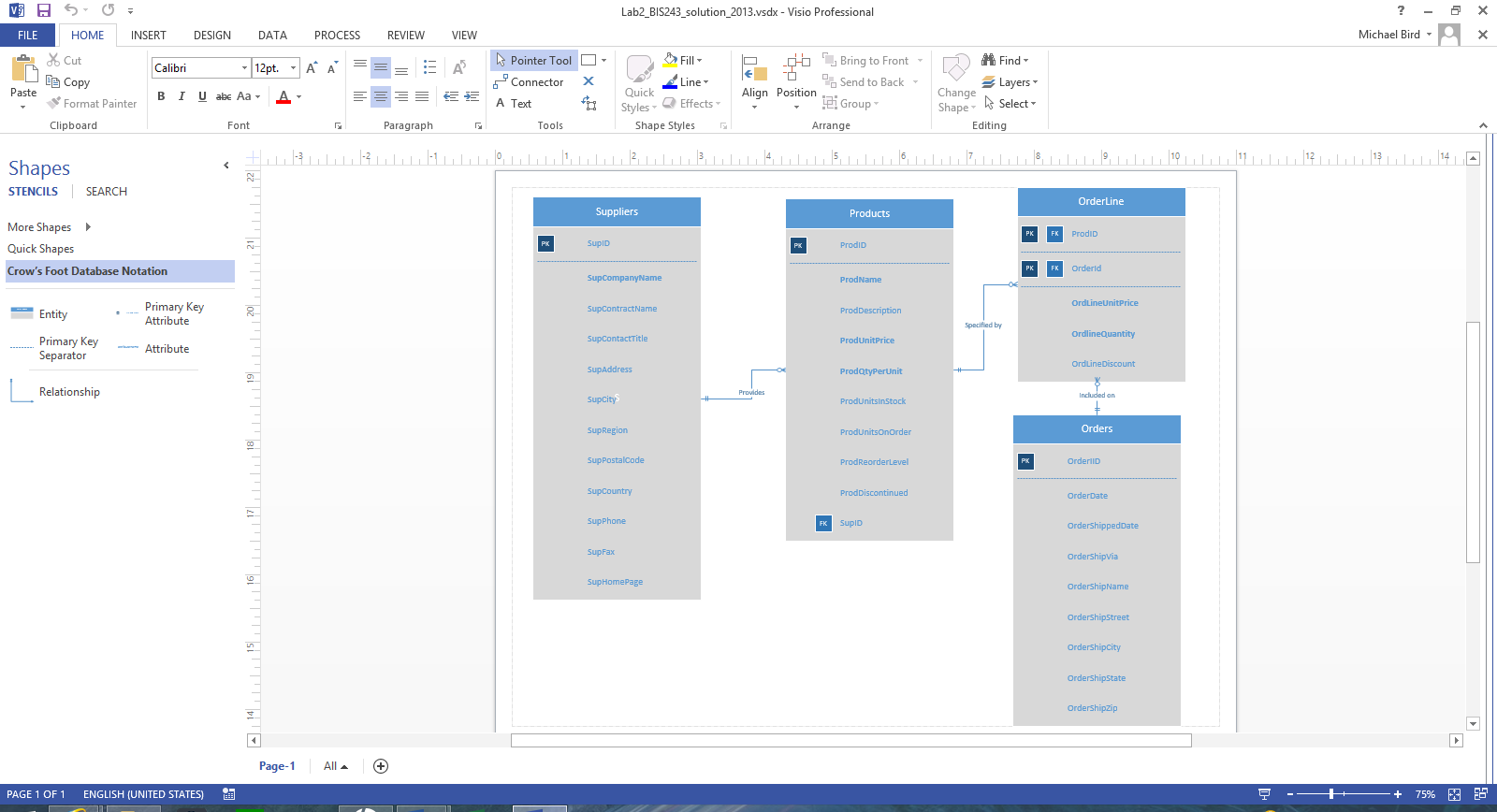
| Step 2: Add two new entities and relationships to the Visio diagram. |
Figure 2-a
NOTE: If you need assistance to do this, refer to the instructions for the Week 1 iLab.
Figure 2-b
Figure 2-c
Figure 2-d
Figure 2-e
|
| End of Part A |
| Part B. Creating the Access Database (Tables and Relationships) from the ERD |
| Preparation |
| Open the Visio file created in Part A of this iLab, you will reference this file in Part B. |
| Step 1: Locate MS Office Applications |
|
| Step 2: Start MS Access |
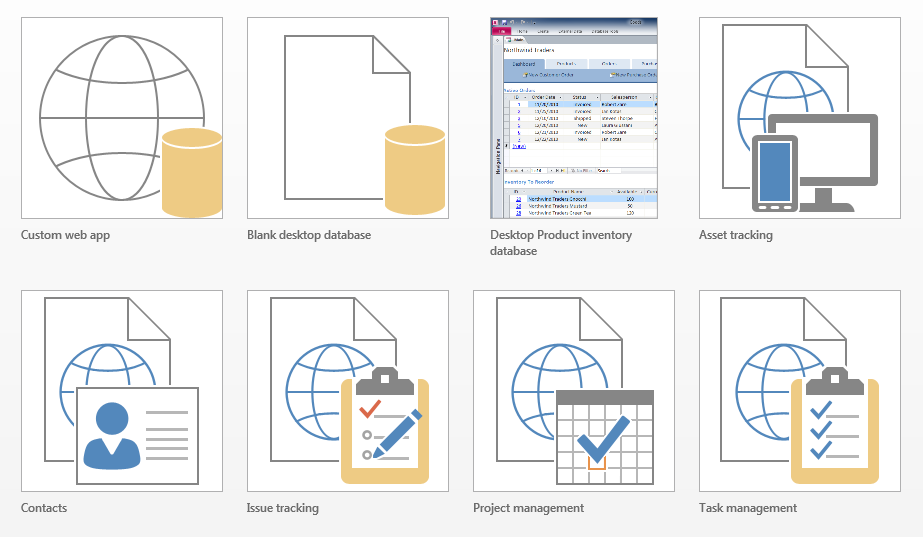
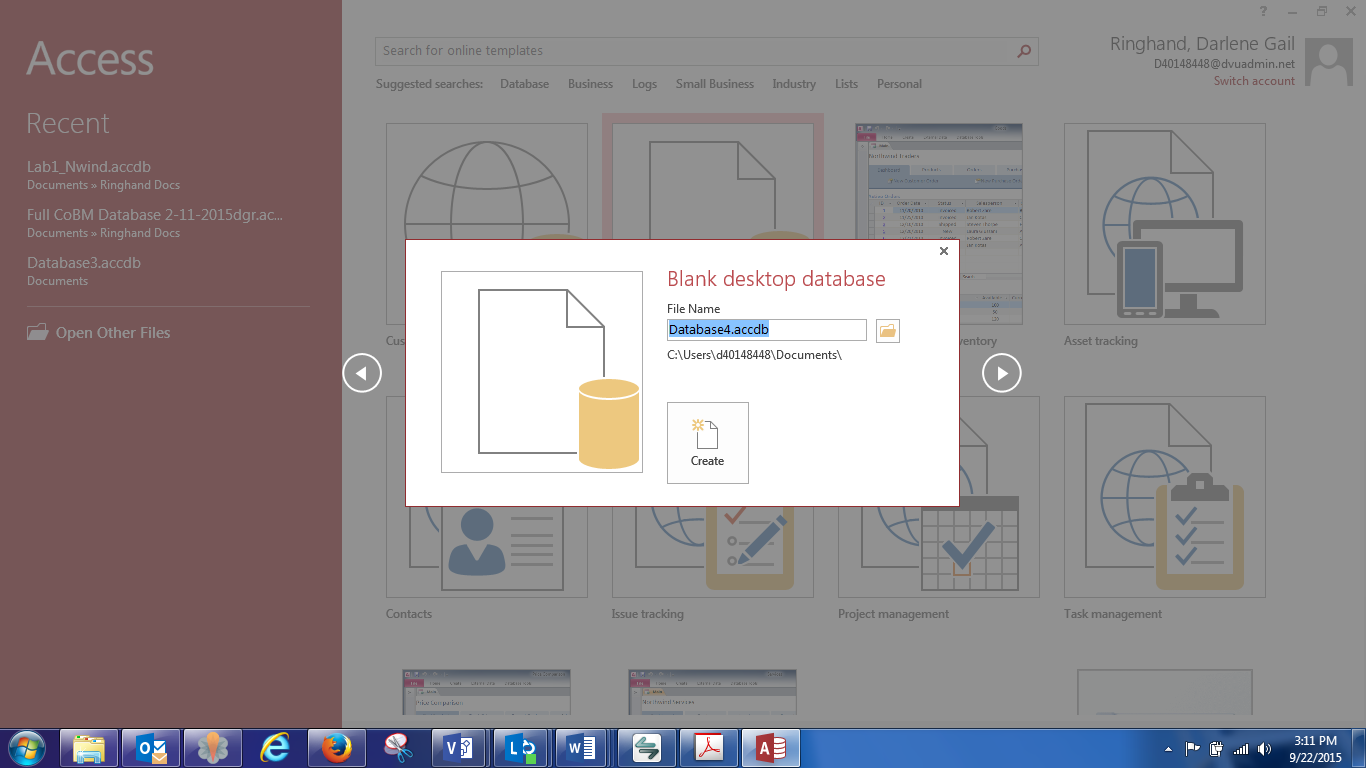
Figure 2-f Step 3: Open a Blank Database
Figure 2-g |
Figure 2-h
Figure 2-i |
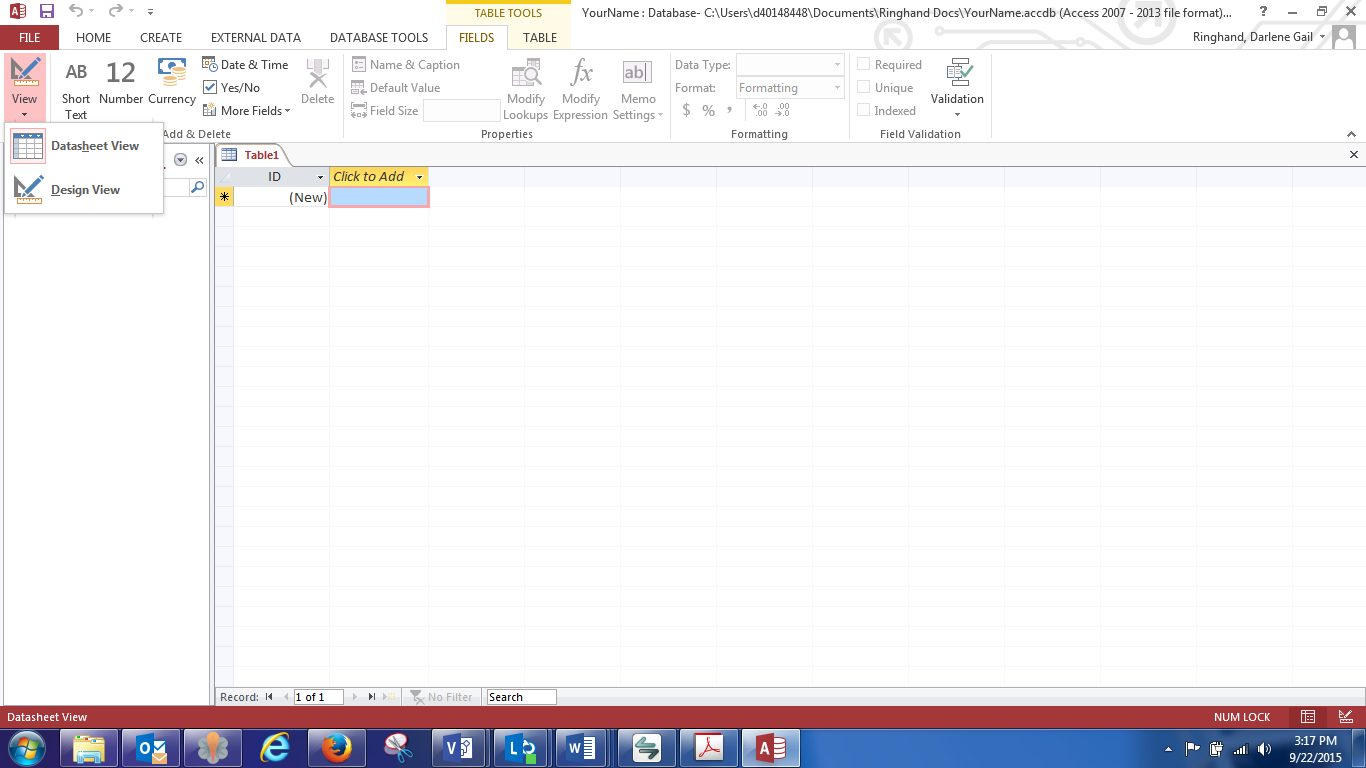
| Step 4: Create the Tables |
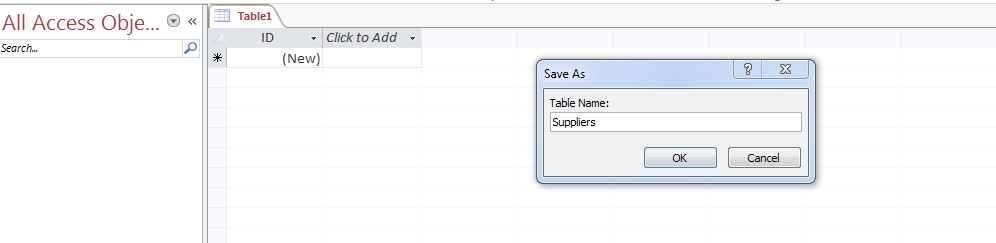
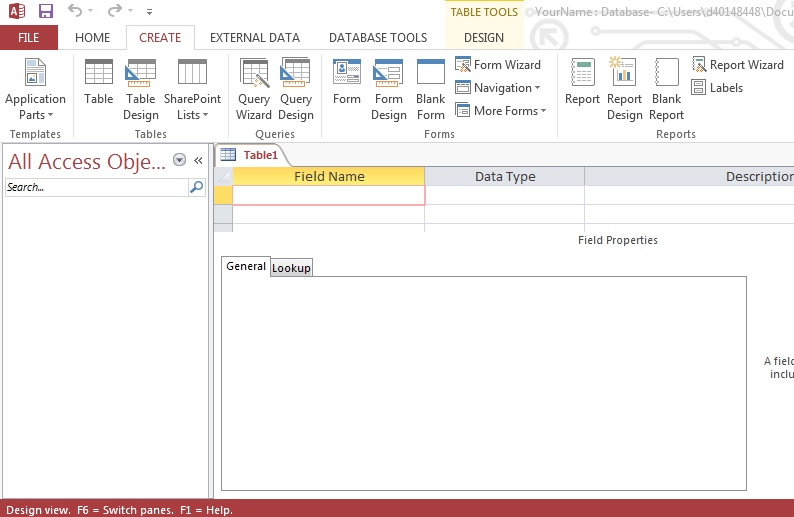
Figure 2-j
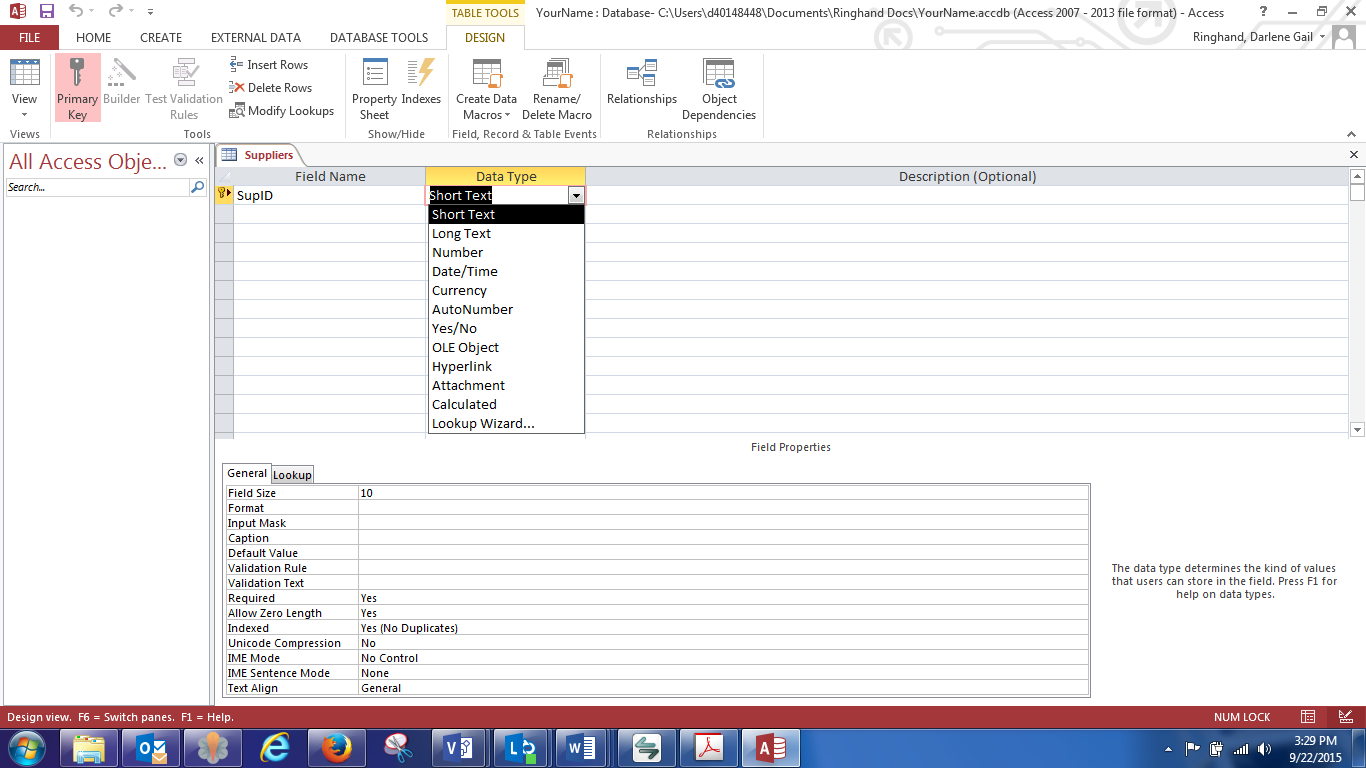
Figure 2-k
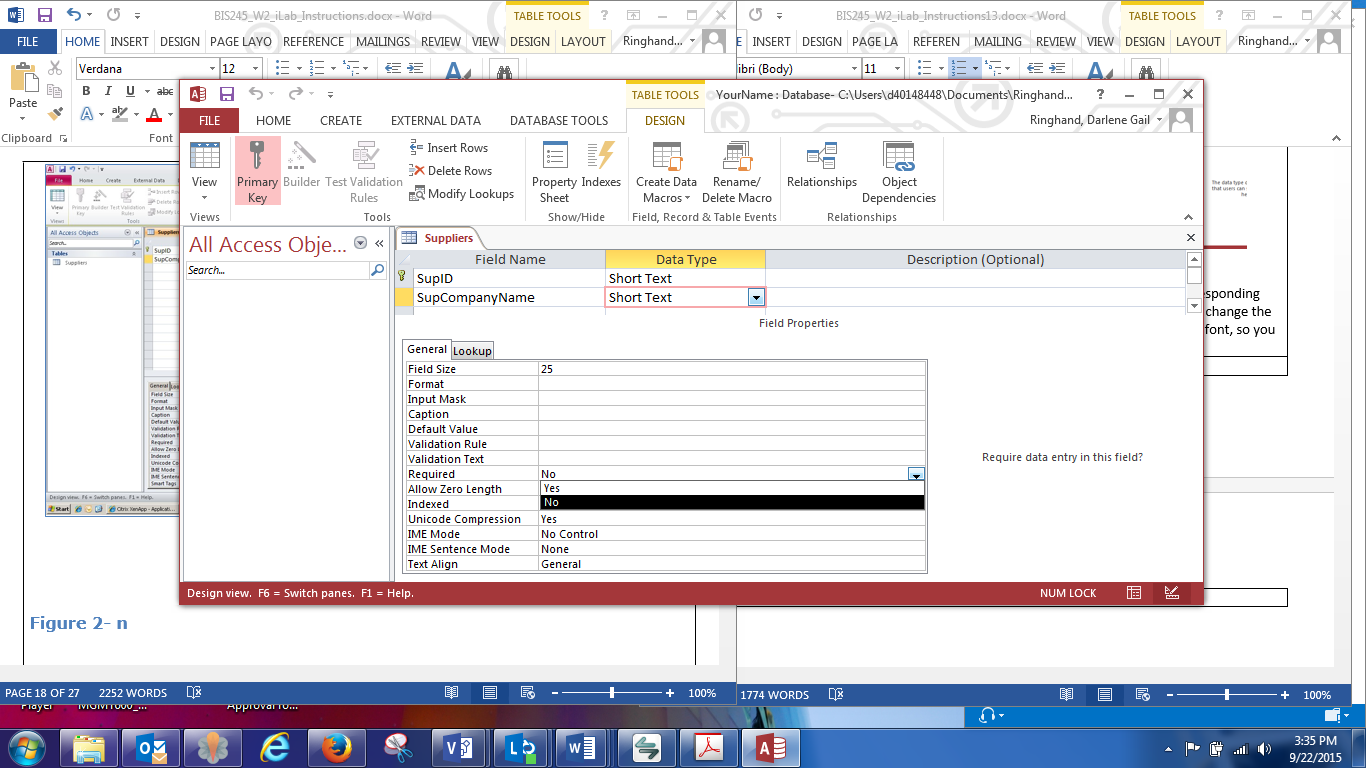
Figure 2-l
Suppliers Table
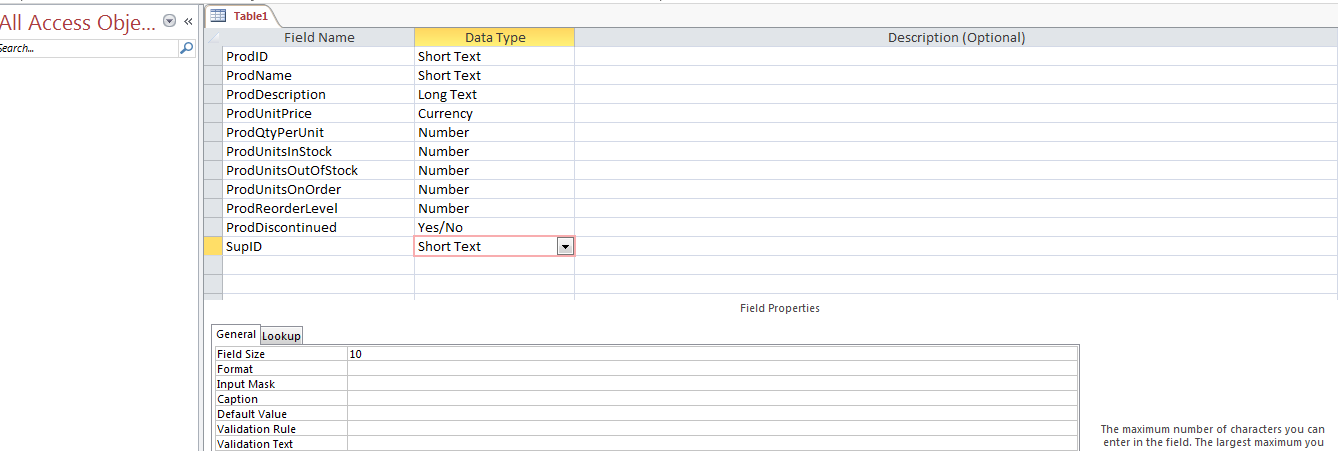
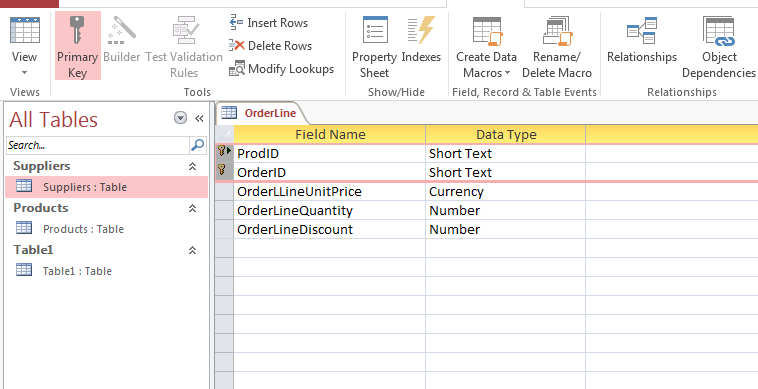
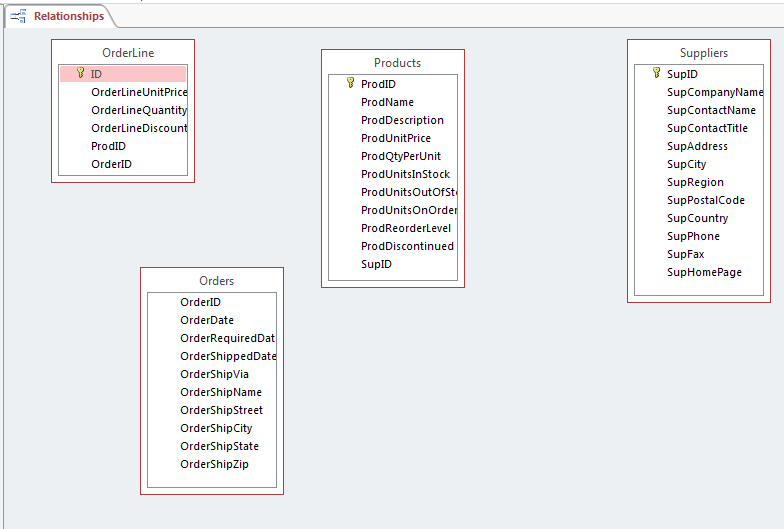
Products Table 1. ProdID—TEXT(10) 2. ProdName—TEXT(25) 3. ProdDescription—LONGTEXT 4. ProdUnitPrice—CURRENCY 5. ProdQtyPerUnit—NUMBERFloating Pt. (2.75) 6. ProdUnitsInStock—NUMBERFloating Pt. 2.75 7. ProdUnitsOnOrder—NUMBERWhole Number (3) 8. ProdReorderLevel—NUMBERWhole Number 9. ProdDiscontinued—NUMBER General Units 10. SupID—TEXT(10) OrderLine Table 1. OrderLineUnitPrice—CURRENCY 2. OrderLineQuantity—NUMBERGeneral Units 3. OrderLineDiscount—NUMERICGeneral Units 4. ProdID—TEXT(10) 5. OrderID— TEXT(10) Orders Table 1. OrderID TEXT(10) 2. OrderDate—DATETIME 3. OrderRequiredDate—DATETIME 4. OrderShippedDate—DATETIME 5. OrderShipVia—TEXT(10) 6. OrderShipName— TEXT(25) 7. OrderShipStreet—TEXT(25) 8. OrderShipCity—TEXT(20) 9. OrderShipState—TEXT(2) 10. OrderShipZip—TEXT(10) 
Figure 2-m
Figure 2-n
Figure 2-0
Figure 2-p
Figure 2-q
Figure 2-r
Figure 2-s
Figure 2-t
|
| End of Part B |
| Lab 2 Final Deliverables |
Submit these files to the Week 2 iLab DropBox. |
| END OF LAB |